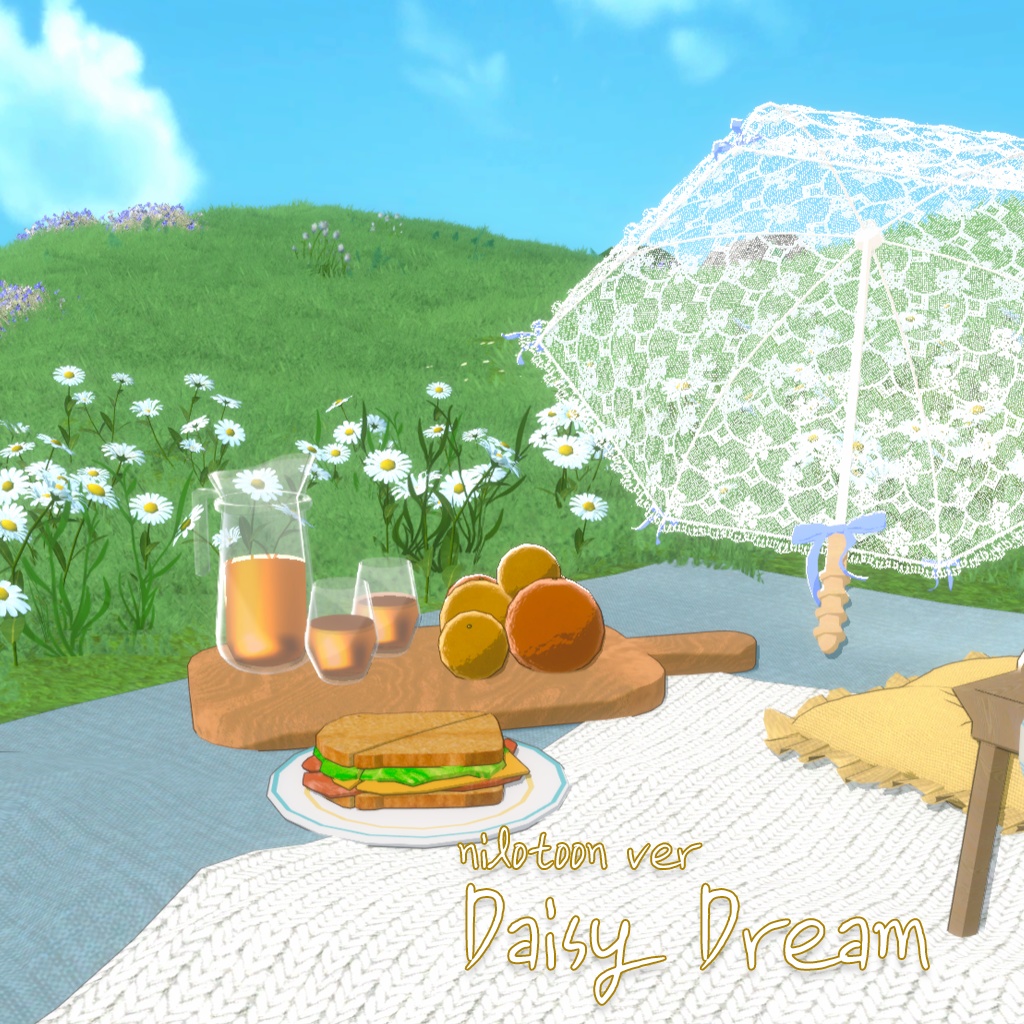
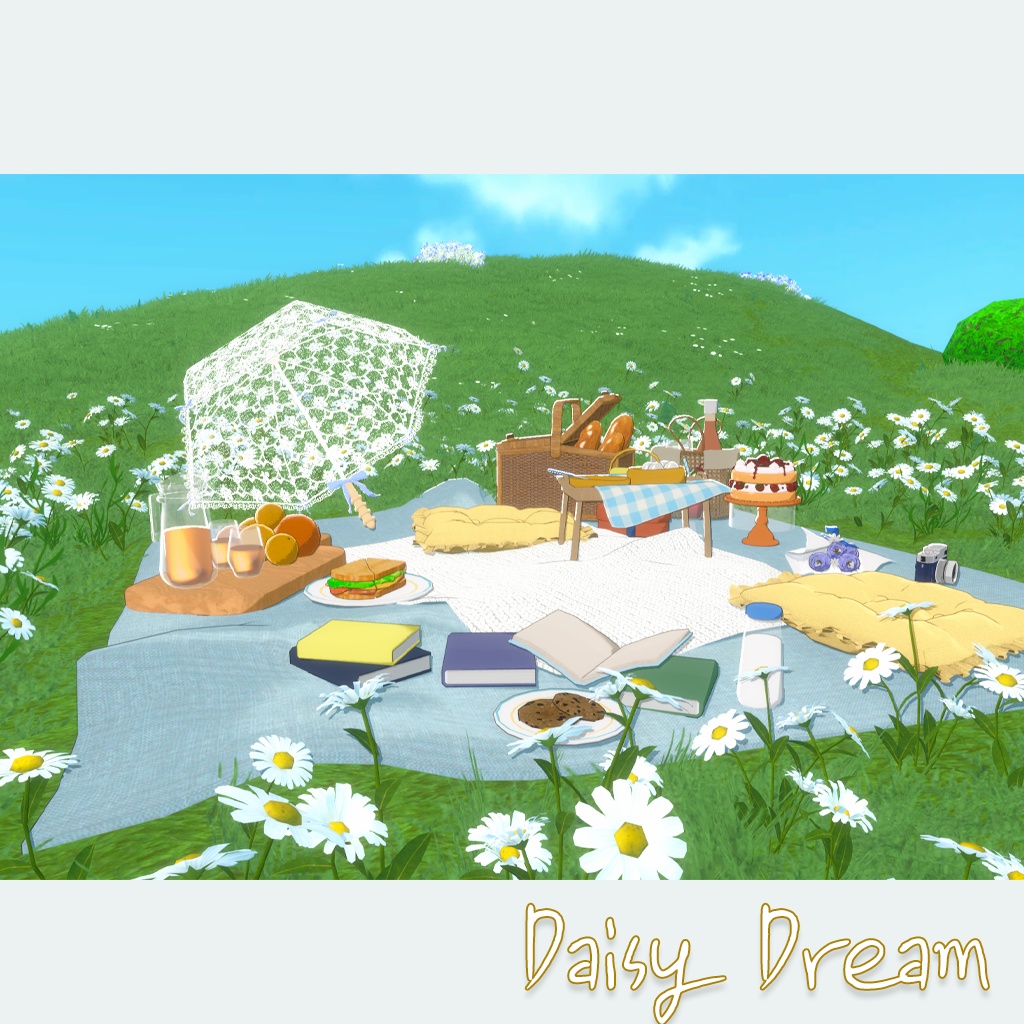
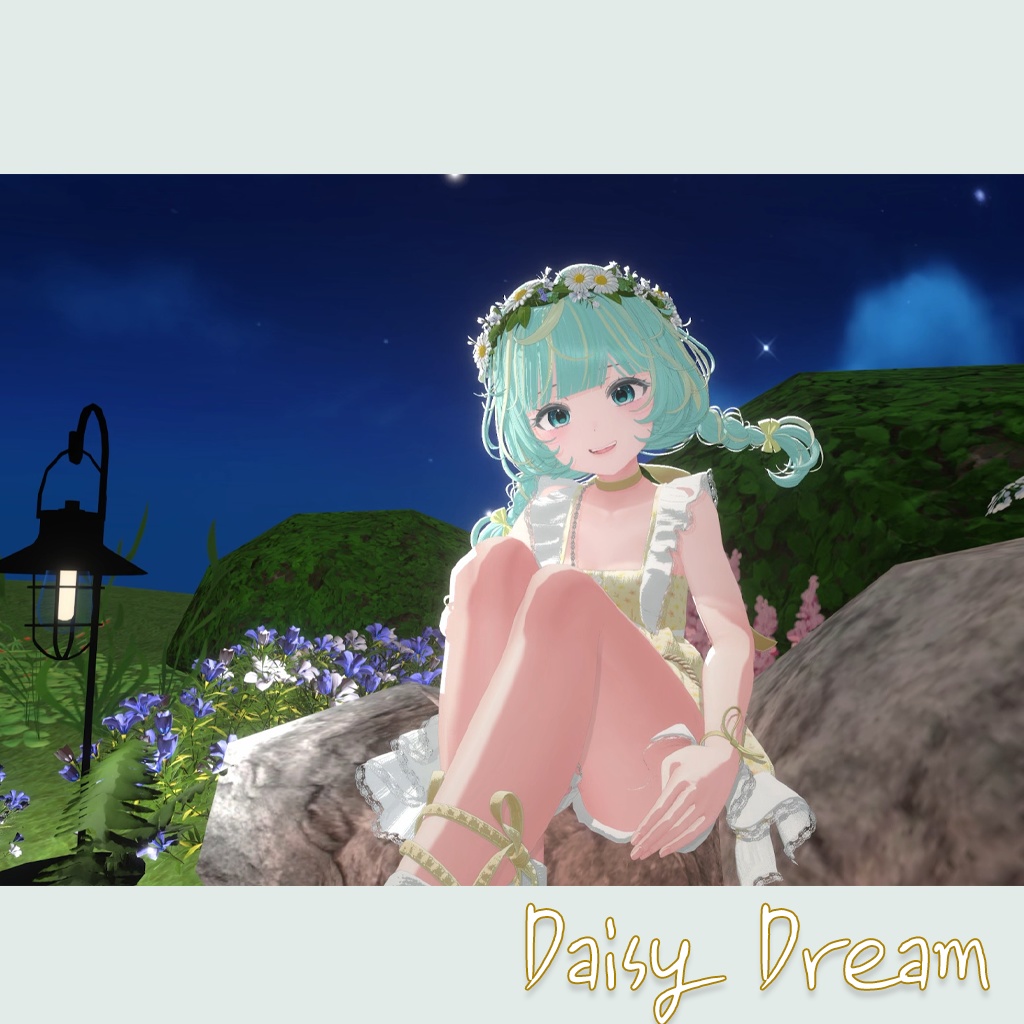
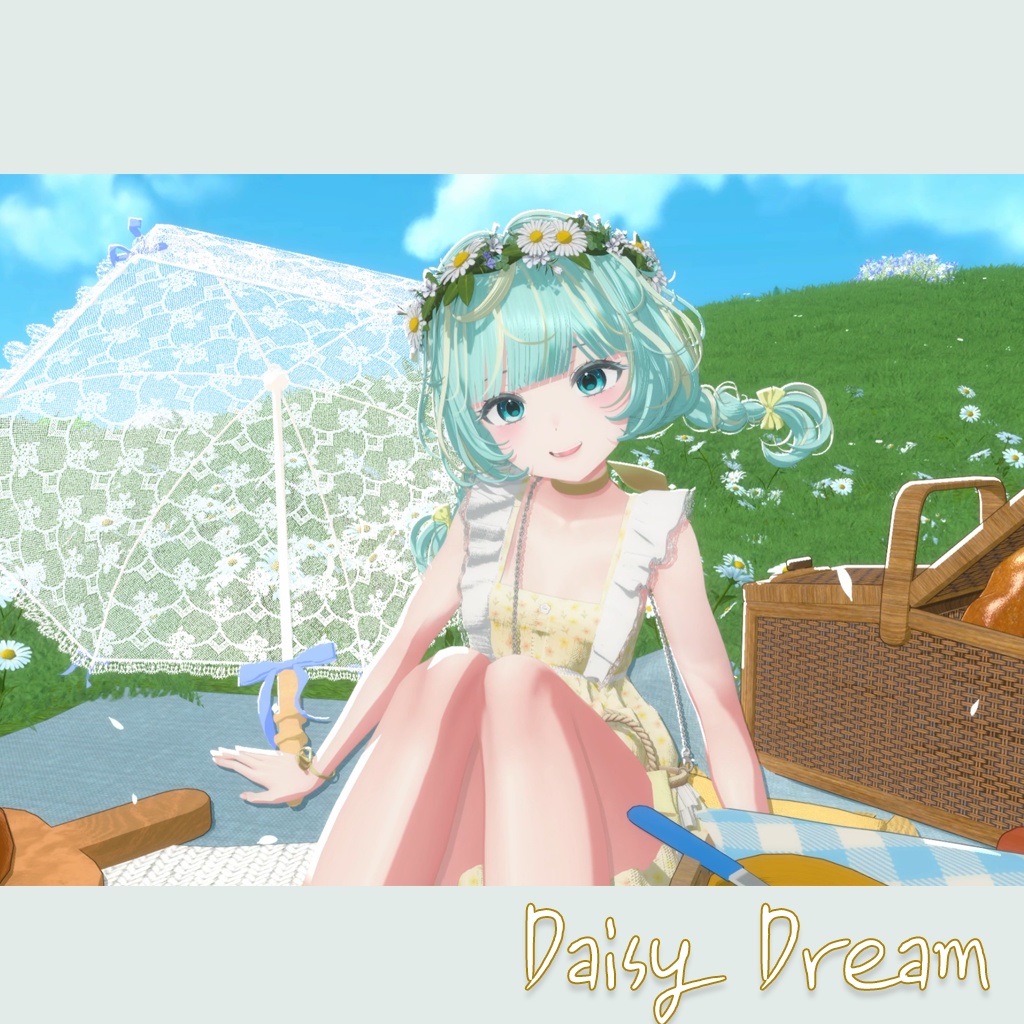
Daisy Dream (Warudo World/Nilotoon/Standard )
- ダウンロード商品DaisyDream_Nilo¥ 4,100
- ダウンロード商品DaisyDream_Standard¥ 4,000
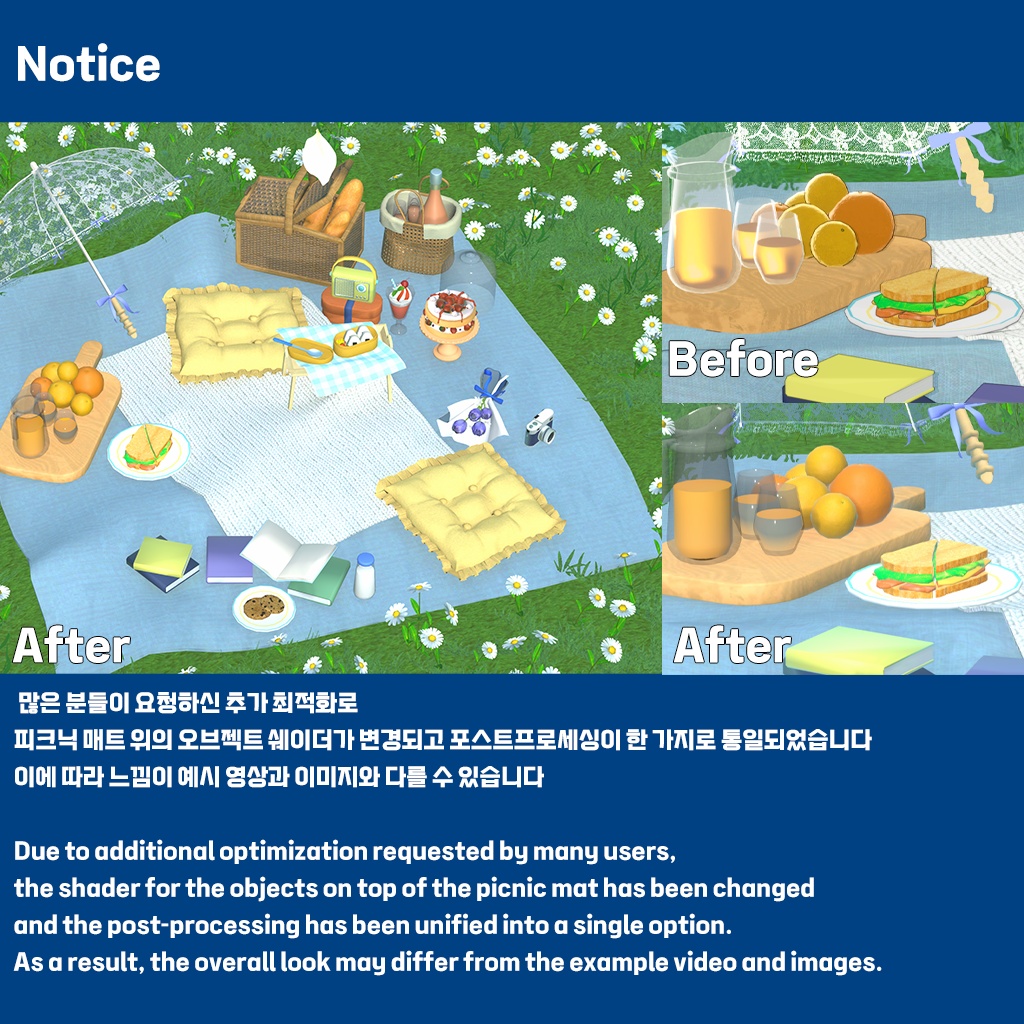
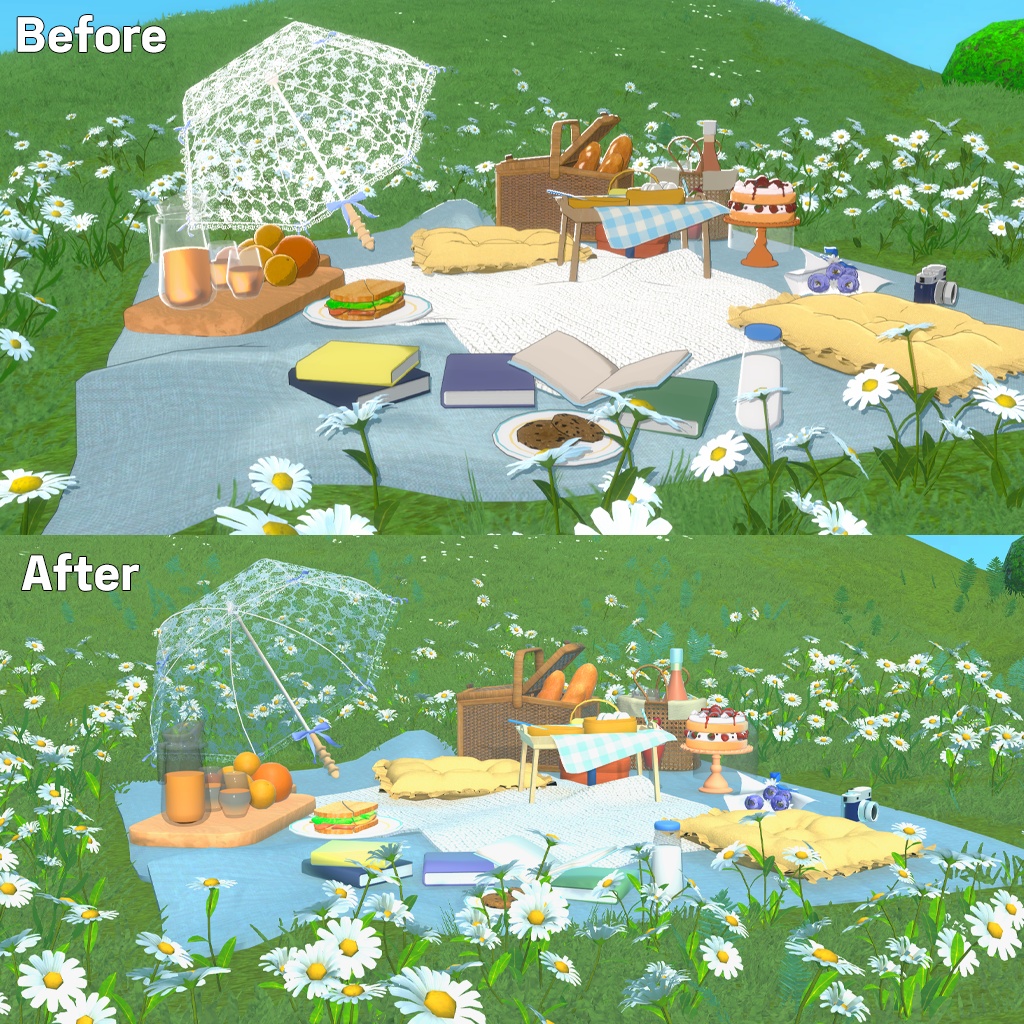
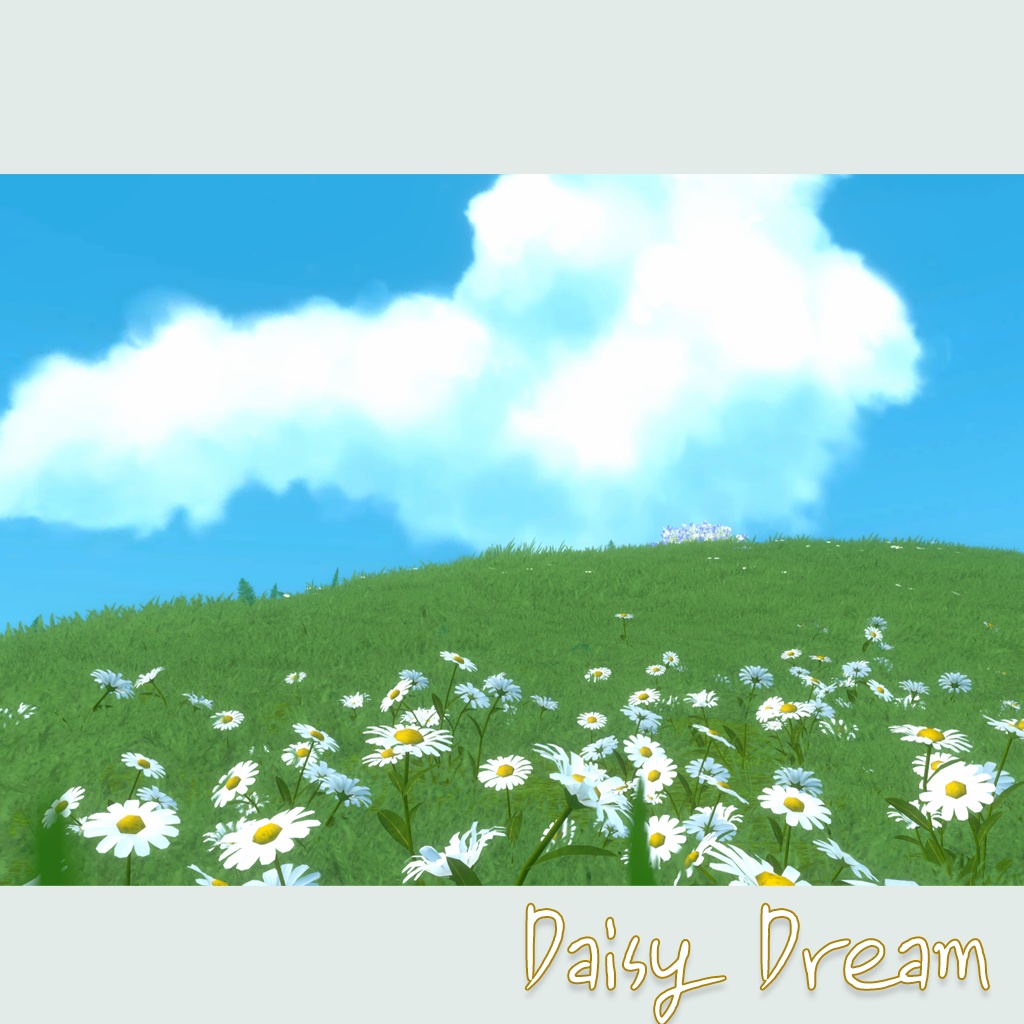
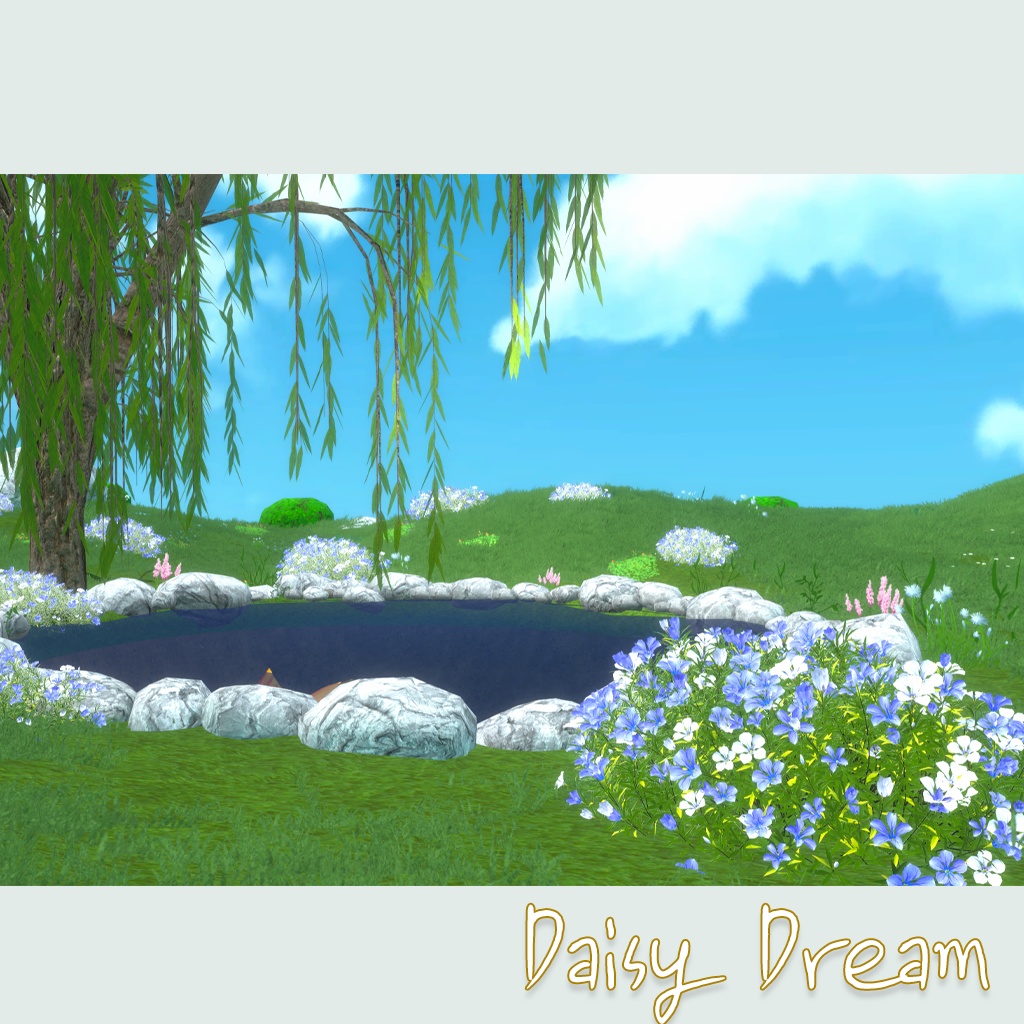
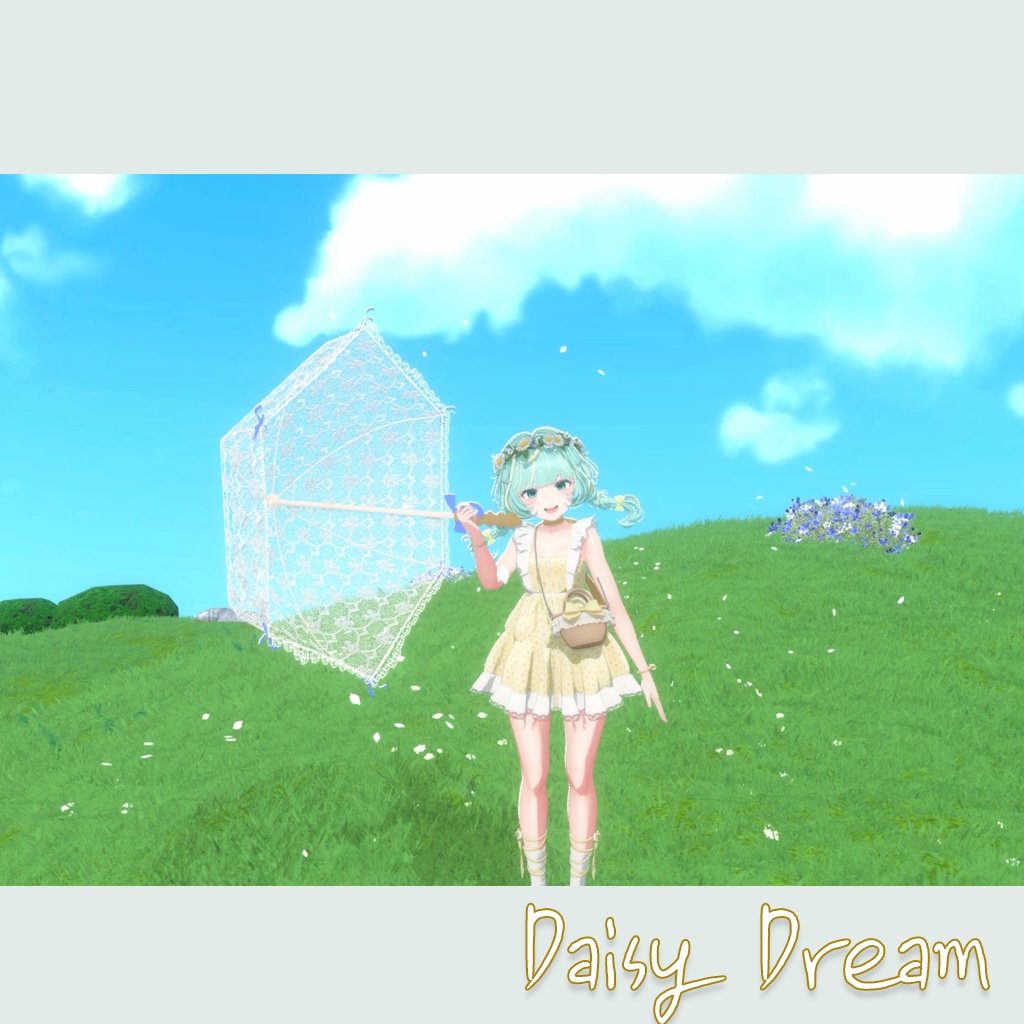
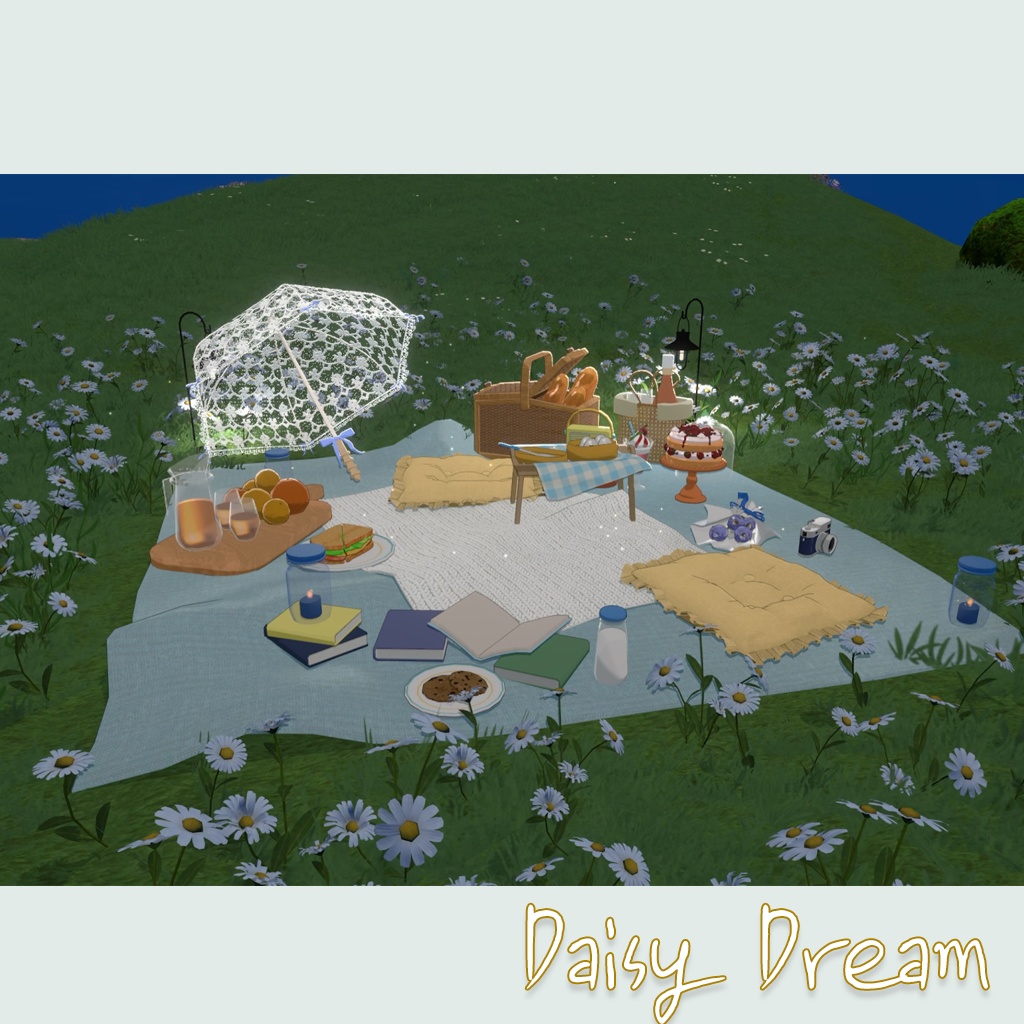
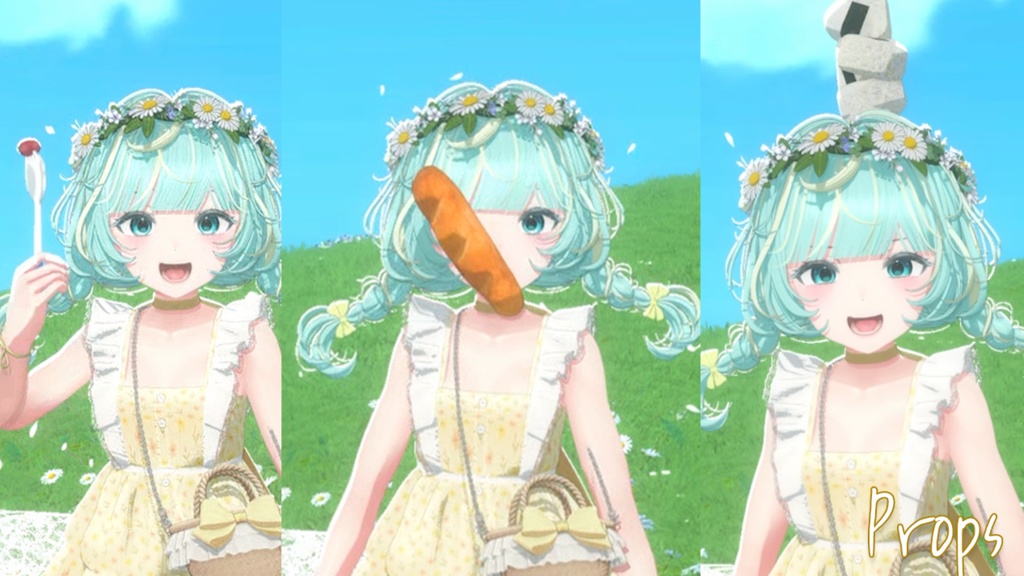
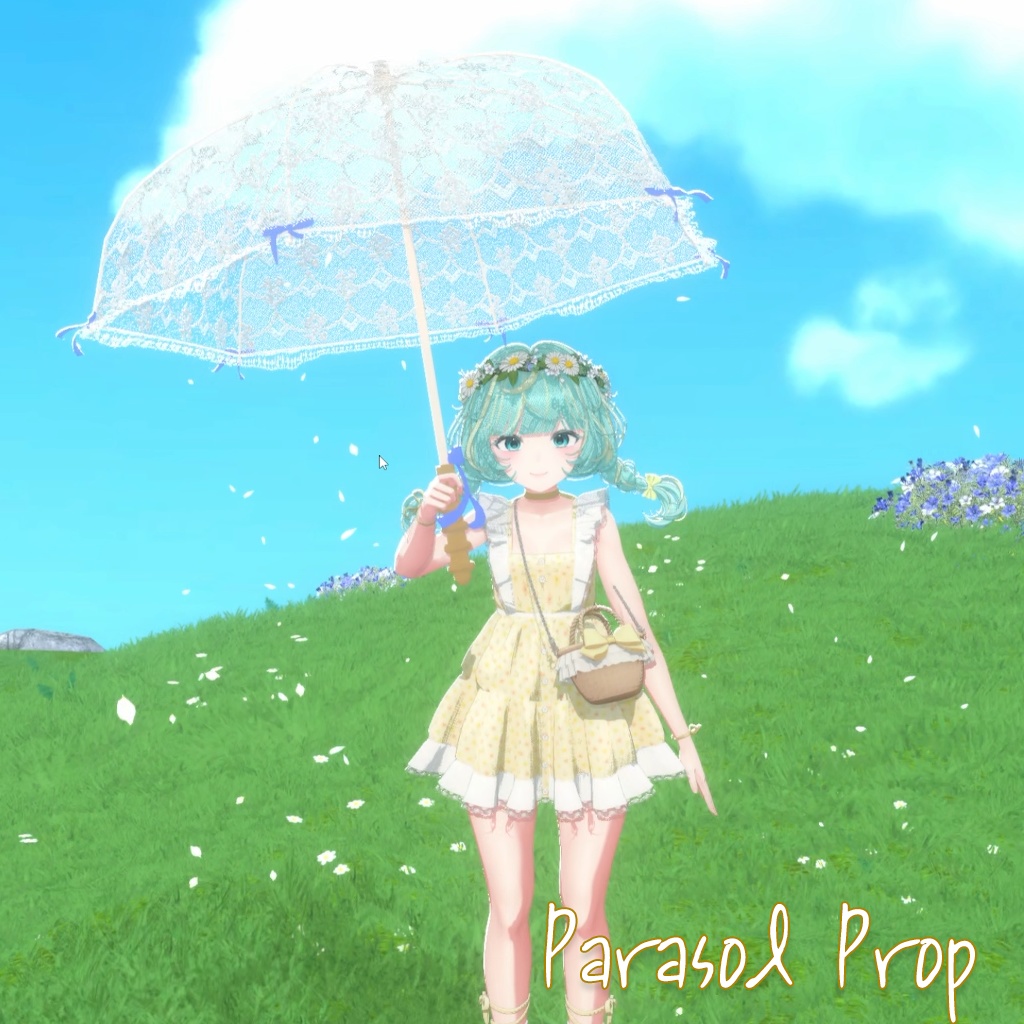
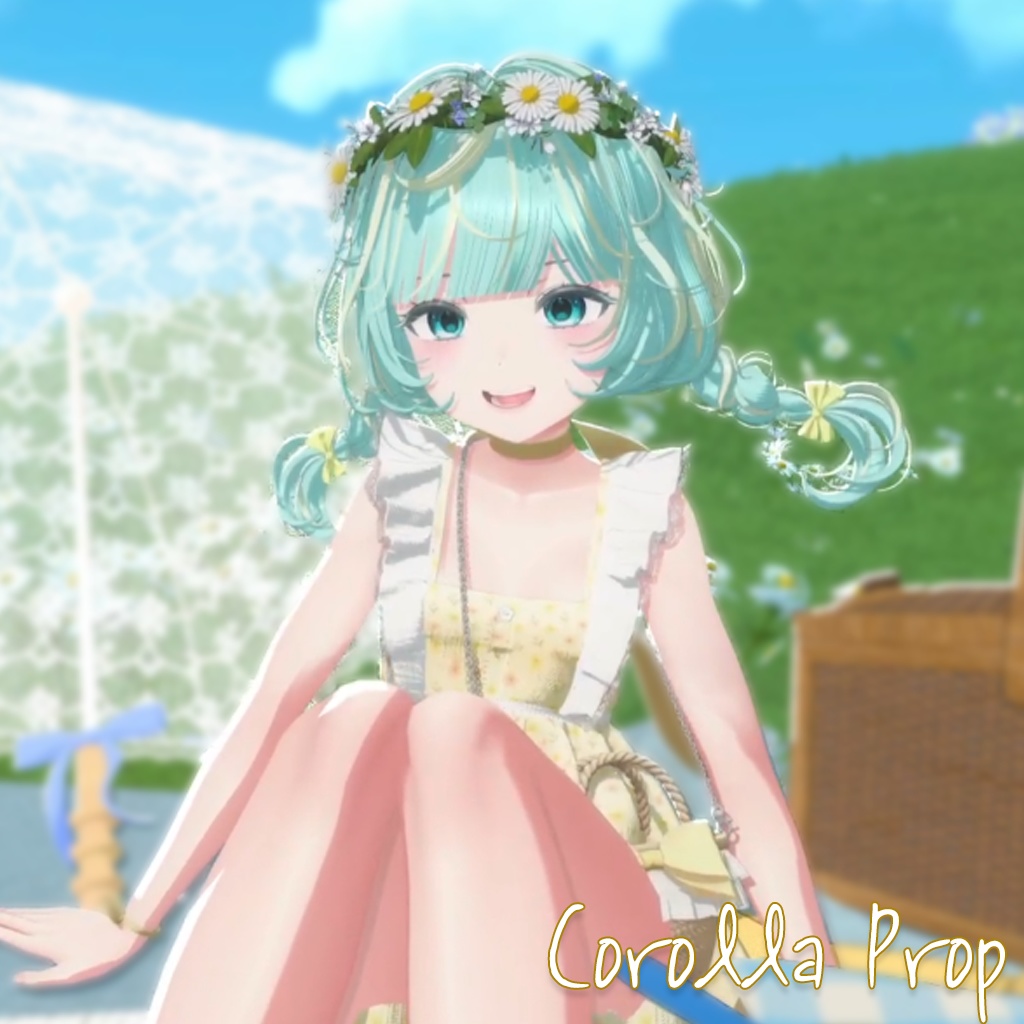
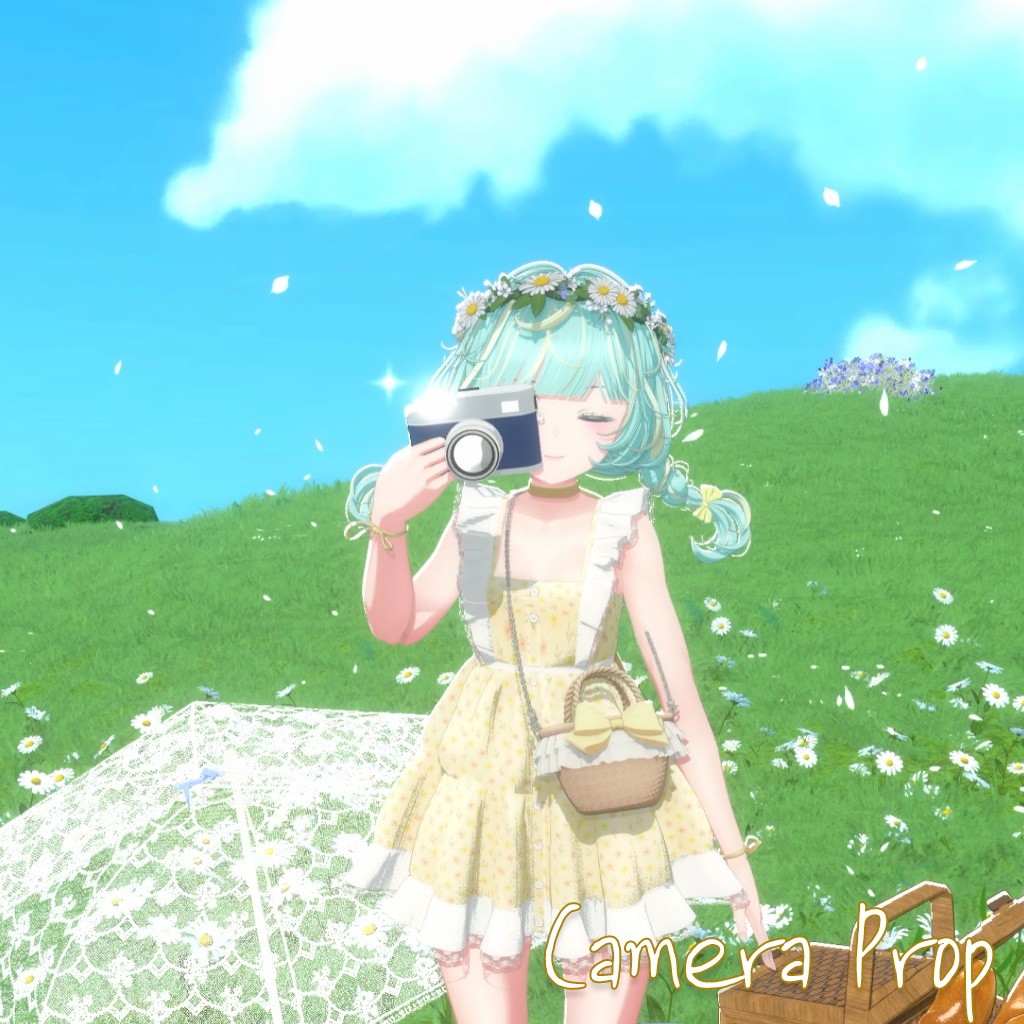
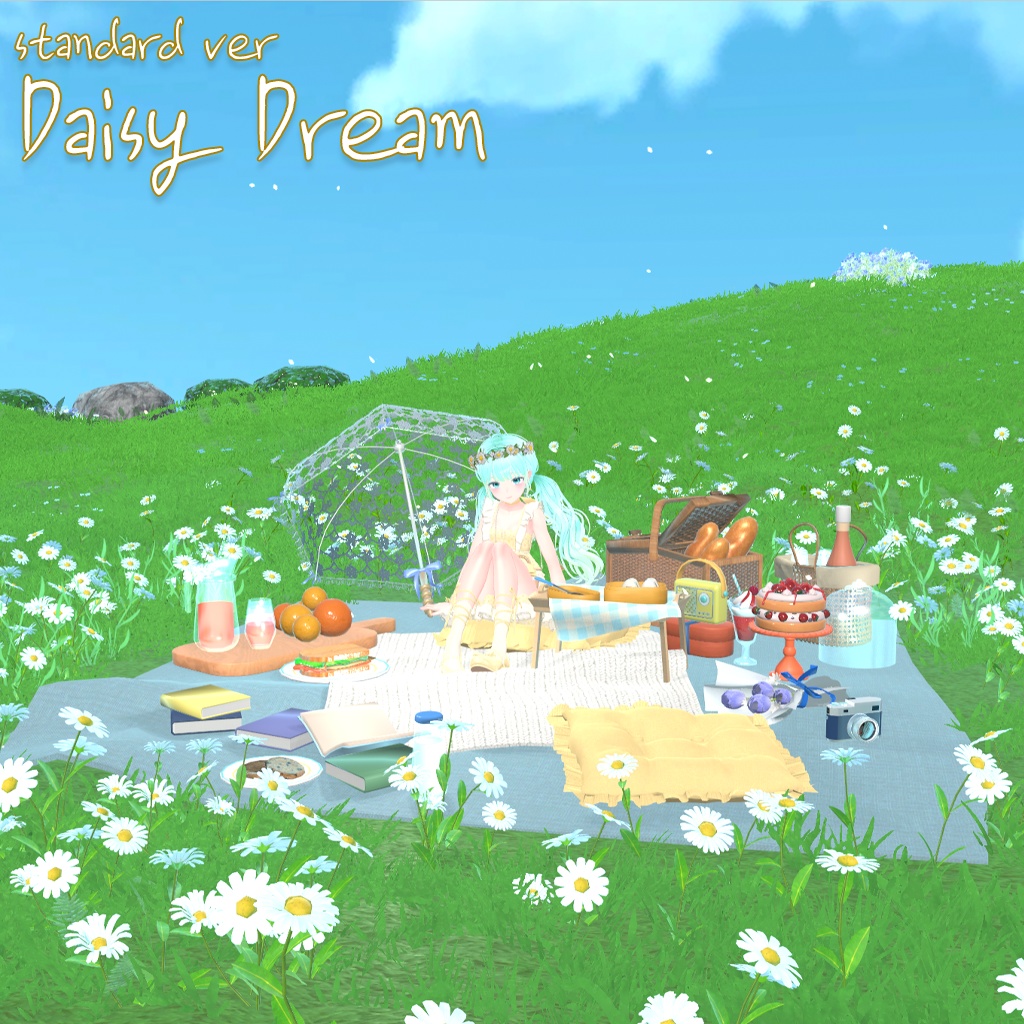
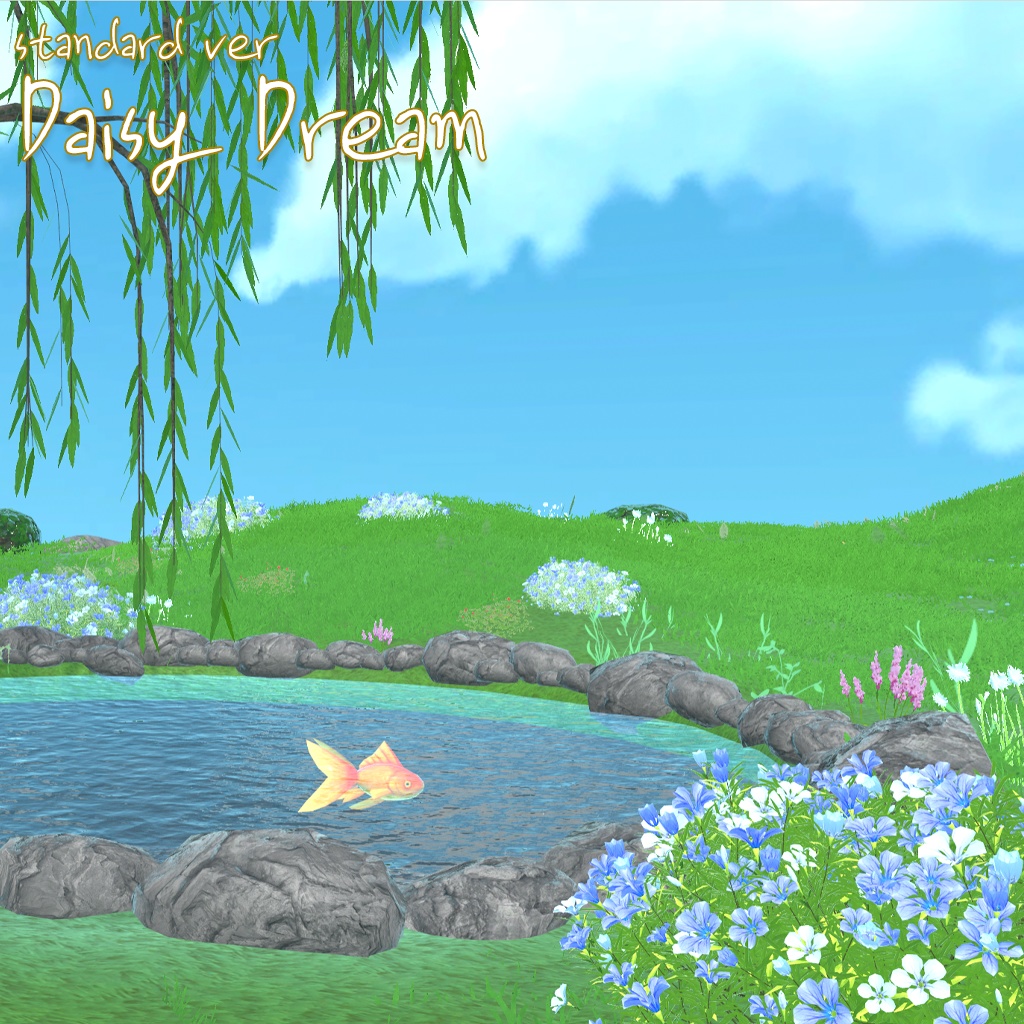
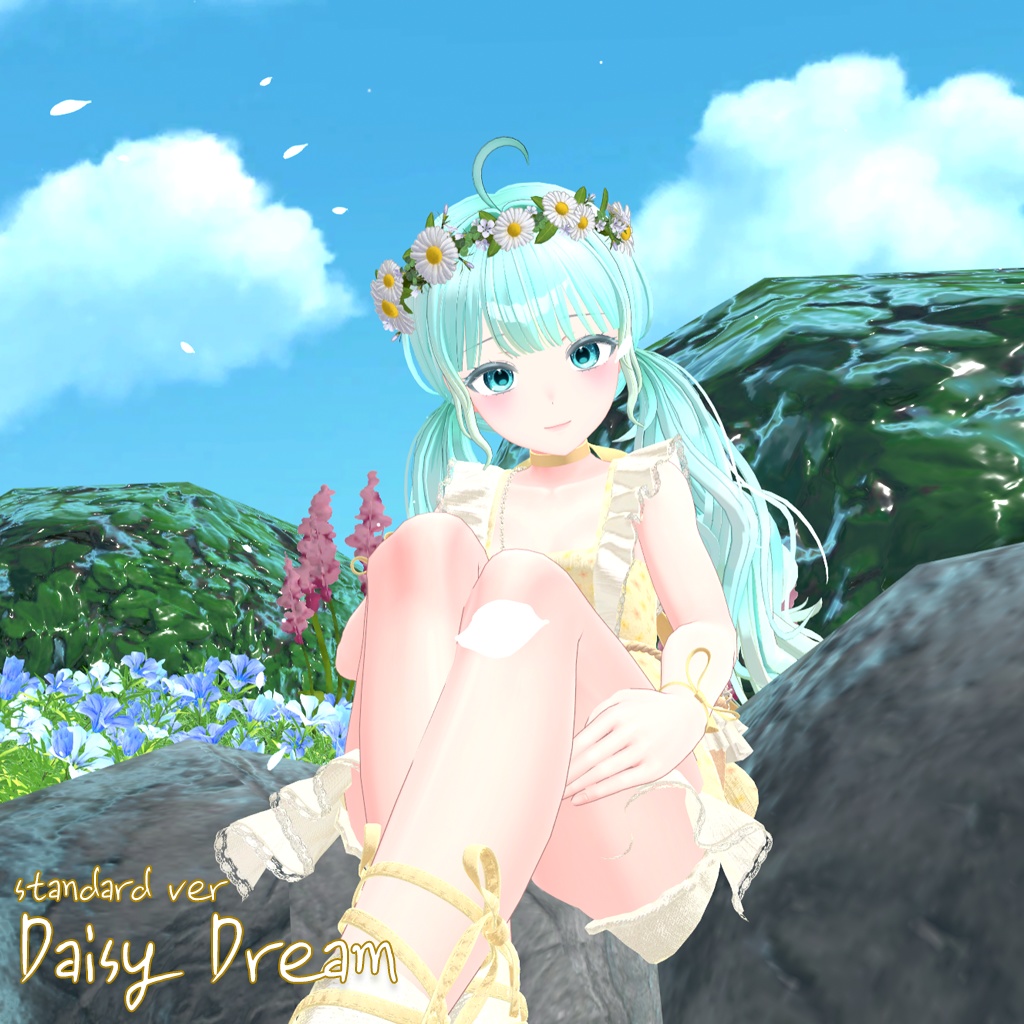
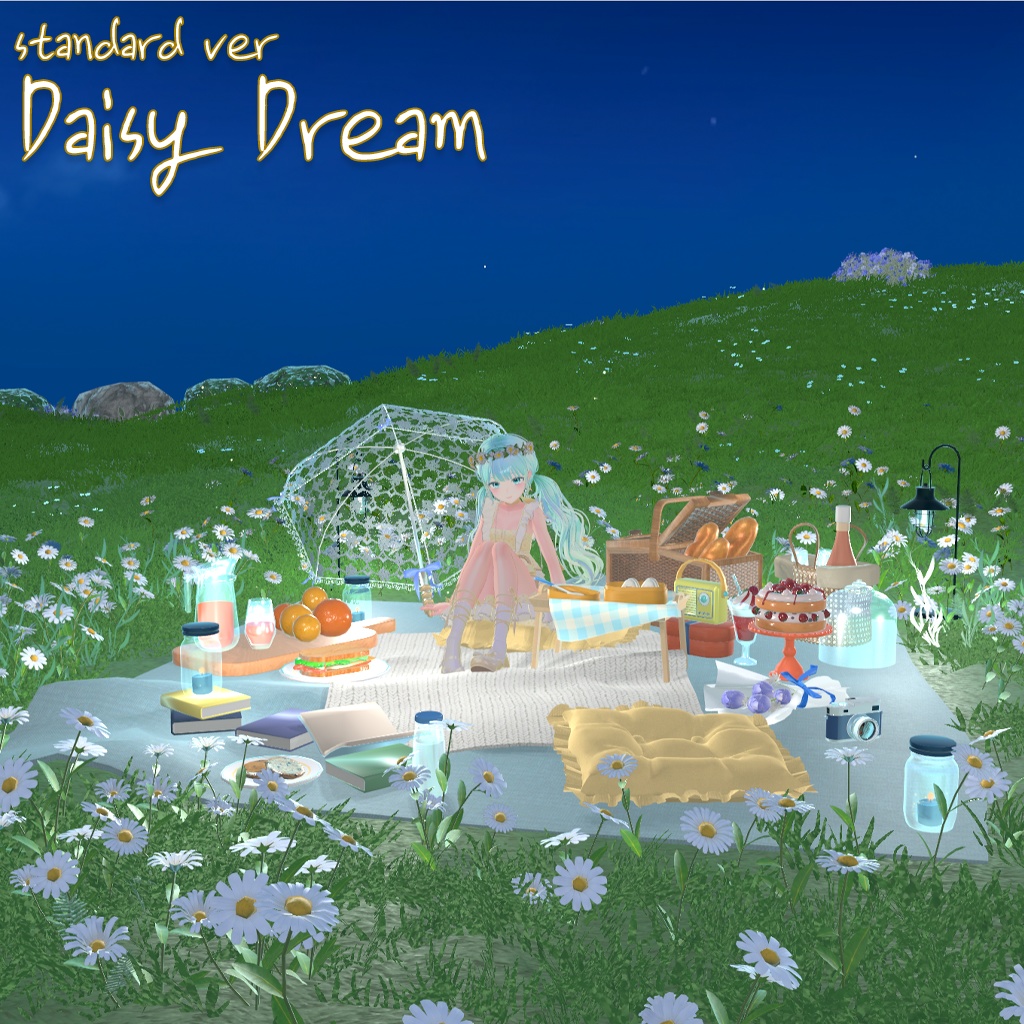
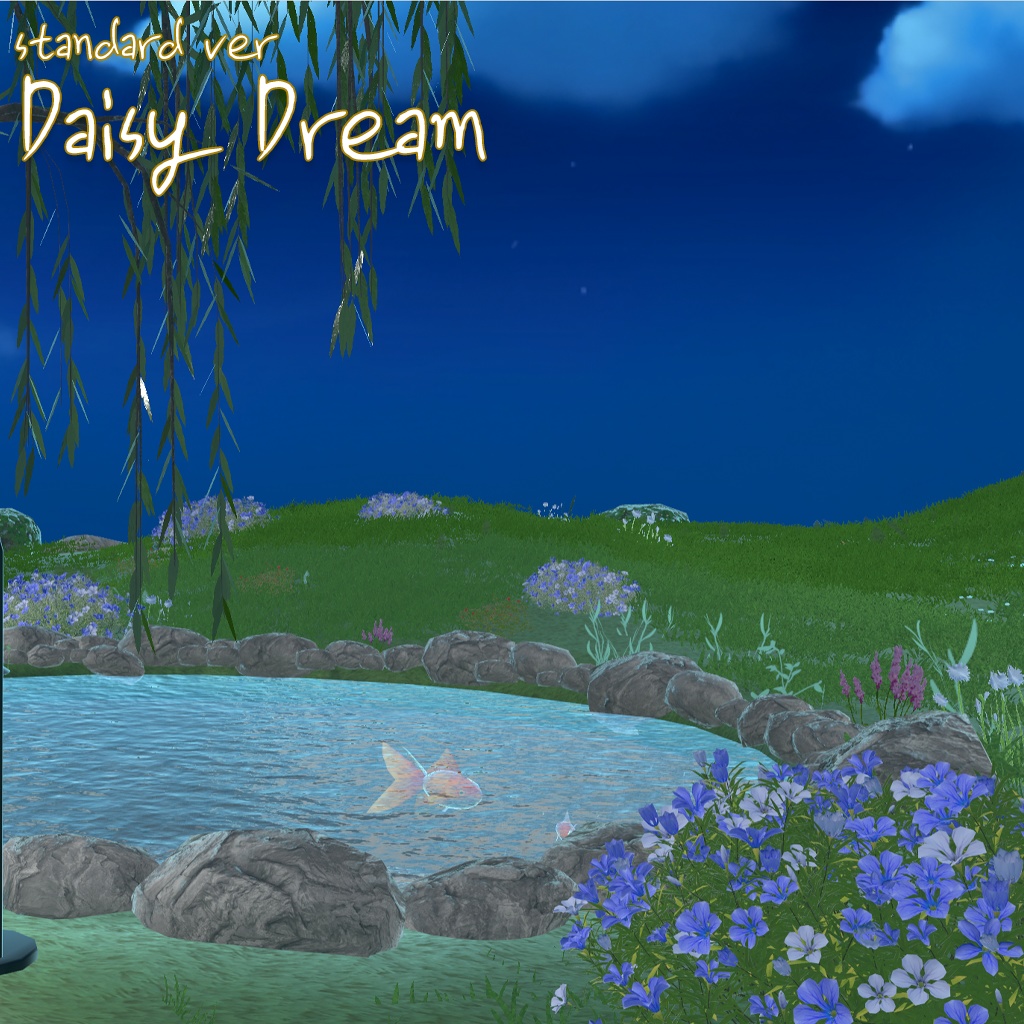
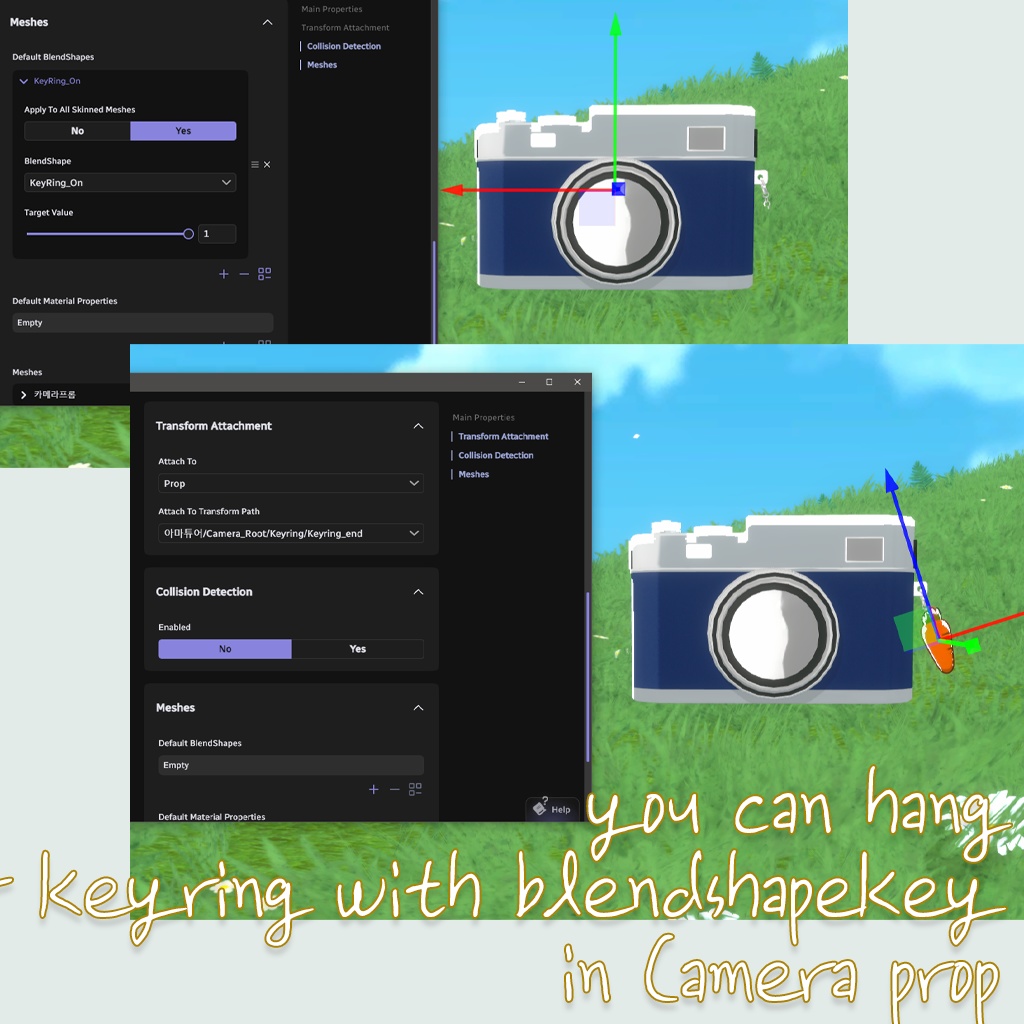
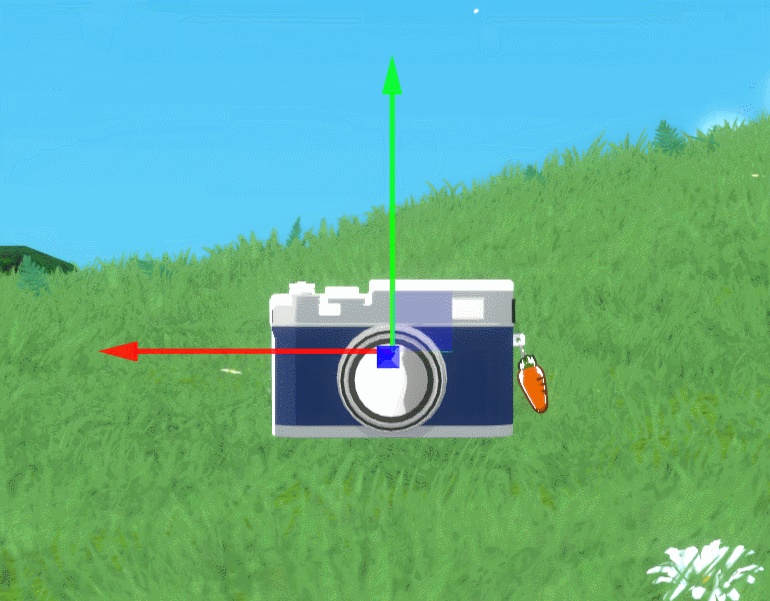
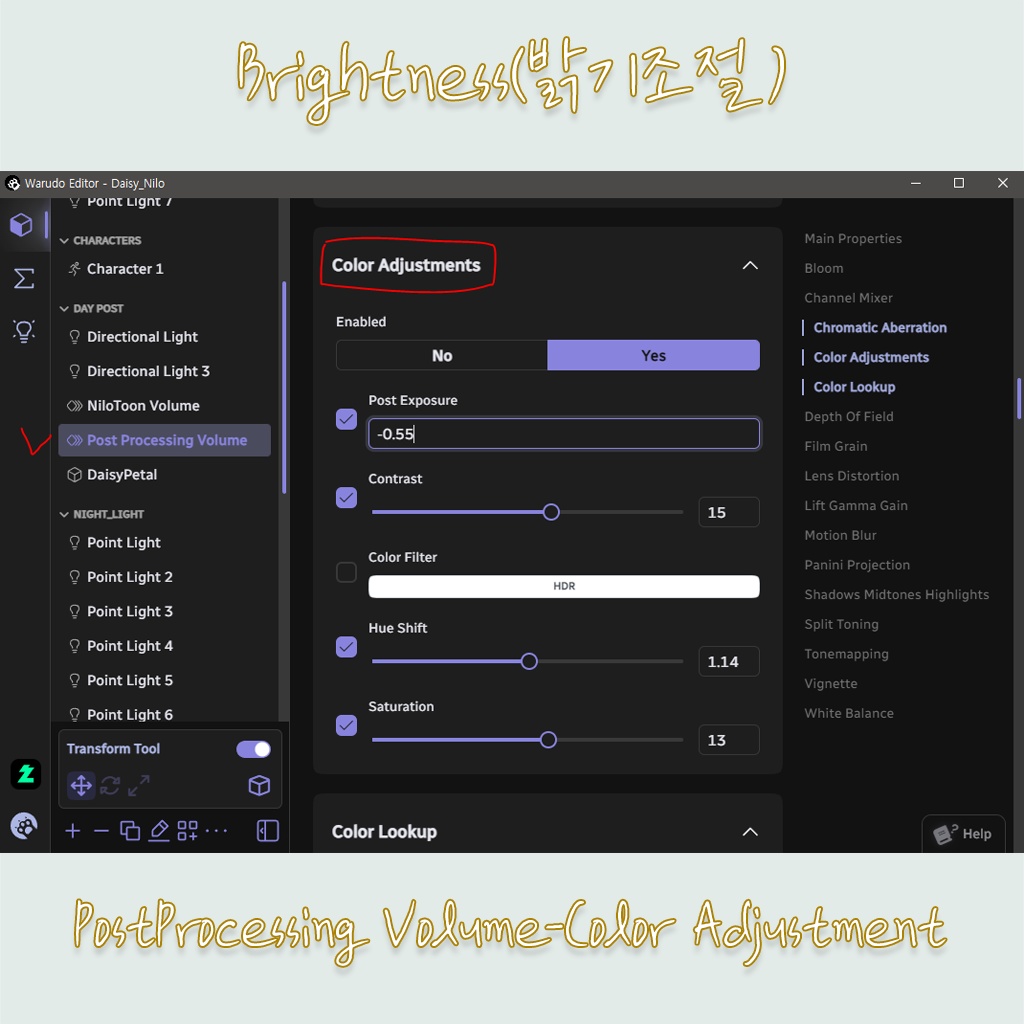
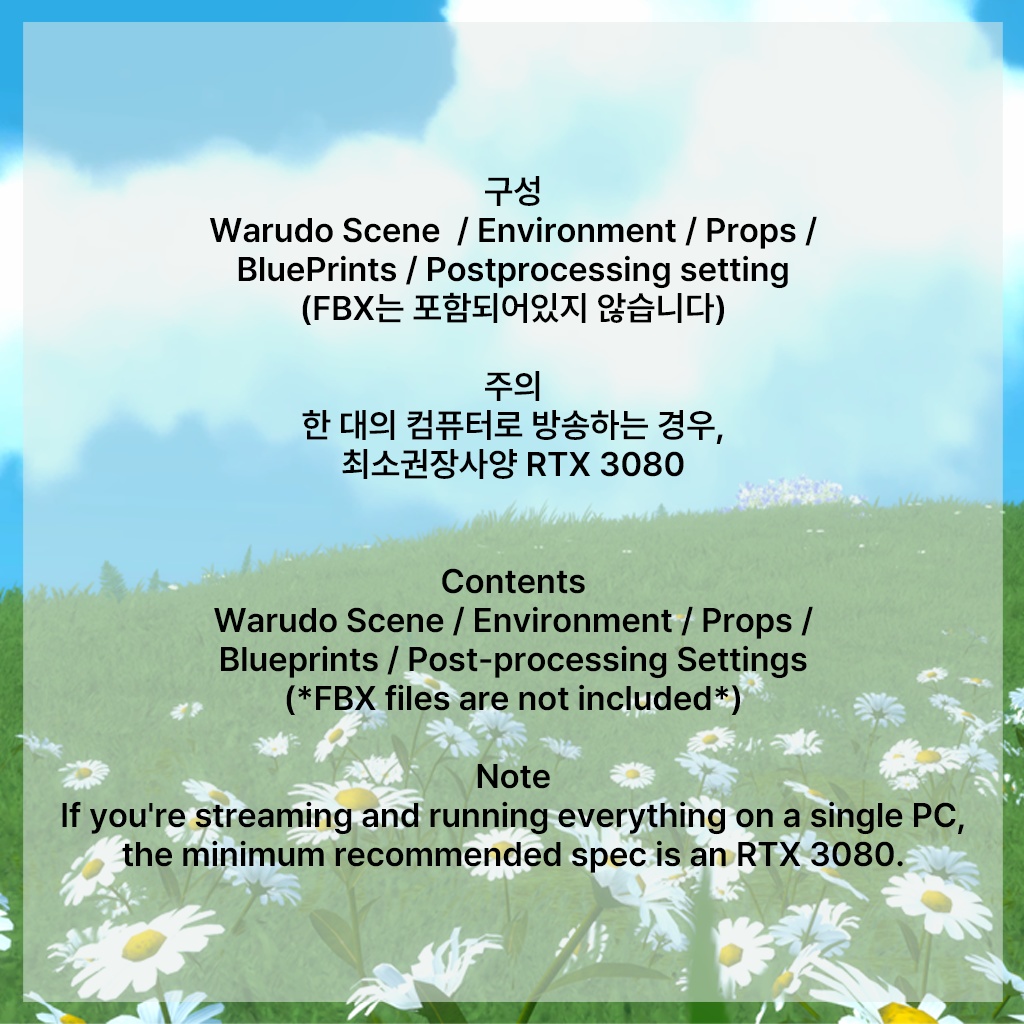
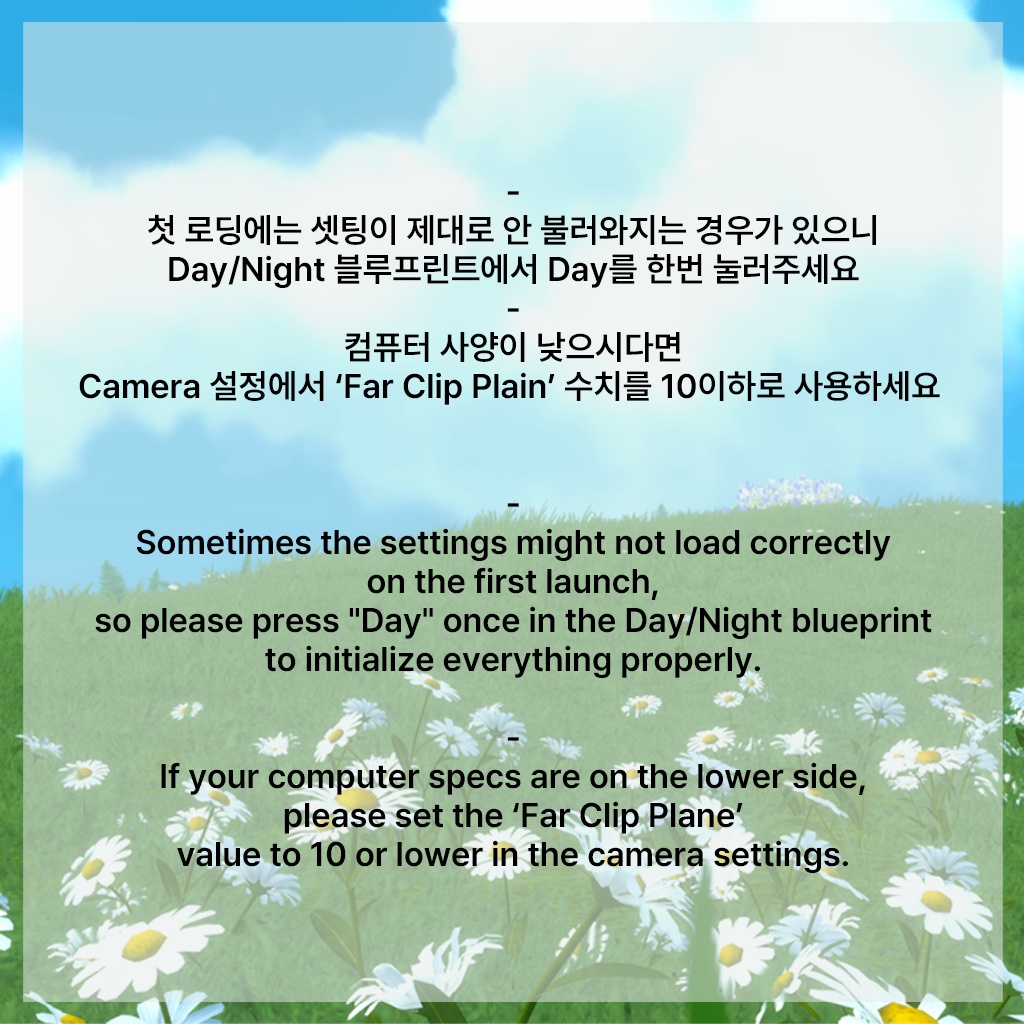
*기존에 피크닉 매트 위에 사용되던 캐릭터 쉐이더가 최적화를 위해 일반 쉐이더로 교체되어 느낌이 달라졌습니다 부스 썸네일의 2번, 3번 이미지를 기준으로 확인해 주세요* *For optimization, the character shader that was previously used for objects on top of the picnic mat has been replaced with a standard shader, so the overall look has changed. Please refer to BOOTH thumbnail images #2 and #3 for the updated look.* *これまでピクニックマット上で使用していたキャラクターシェーダーは、最適化のため通常のシェーダーへ変更されております。そのため、見た目の印象が以前と少し異なります。 Booth サムネイルの 2枚目・3枚目の画像を基準にご確認ください。* [Daisy Dream UPDATE] -URP / BIRP 모두 최적화가 크게 이루어졌습니다 파일 교체 원하시면 Environment 파일과 Day/Night Control 블루프린트를 교체해주시고 기존에 있던 Point light 에셋들을 정리해주시면 됩니다 -기본 바람이 삭제되었습니다 바람 사용을 원하시는 경우 와루도 에셋창에서 Wind(Magica2)로 직접 추가하시면 됩니다 -노드와 에셋이 조금 단순화되었습니다 * Major optimization has been applied to both URP and BIRP. If you want to update the files, please replace the Environment files and the Day/Night Control blueprint, and clean up any existing Point Light assets you had before. * The default wind has been removed. If you want to use wind, please add it manually from Warudo’s Asset window by selecting Wind (Magica2). * The nodes and assets have been simplified a bit. ・URP / BIRP の両方で大幅な最適化を行いました。 ファイルを更新される場合は、Environment ファイルと Day/Night Control Blueprint を差し替えた後、既存の Point Light アセットを整理・削除してください。 ・デフォルトの風設定を削除しました。 風を使用したい場合は、Warudo の Asset ウィンドウから「Wind (Magica2)」を追加してご利用ください。 ・ノードおよびアセット構成を一部簡略化しました。 How to use(video) : https://youtube.com/@shyaengmoo?si=o5J04Pgd7J3b9b3L 🍭Nliotoon과 Standard 버전은 기본구성은 같으나 쉐이더와 postprocessing 차이가 있습니다 두 버전은 호환이 되지 않으니 주의해서 구매하세요 🍭와루도 BETA 버전 사용해주세요!! / USE WARUDO BETA ONLY 🍭The NiloToon and Standard versions share the same basic structure, but they differ in terms of shaders and post-processing settings. Please note that the two versions are **not compatible** with each other 🌼Only Warudo File, Not FBX 🌼솔솔 바람부는 들판에서 팬들과 함께 피크닉 어떠신가요 낮, 밤 모두 준비되어 있습니다 (블루프린트로 제어 가능) 화관, 카메라, 양산, 포크, 주먹밥, 바게트와 같은 다양한 프롭들이 포함되어 있습니다 카메라는 왼쪽 눈을 감으면 플래시가 터지고 팬캐릭터 등의 프롭을 키링으로 부착할 수 있습니다 포크는 입을 벌렸다가 다물면 토마토가 없어지는 셋팅이 되어있으니 즐겁게 즐겨주세요 🌼주의 -씬 불러오시기 전에 반드시 와루도 창작마당에서 'Animator Parameter Setter nodes -Feline Entity'를 다운 후에 씬을 열어주세요 -한 대의 컴퓨터로 방송하시는 경우 최소 권장사양은 RTX 3080입니다 -컴퓨터 사양이 낮으시다면 Camera 설정에서 Far Clip Plain 수치를 10 이하로 사용하세요 -씬 오픈 후 Day/Night 블루프린트에서 Day 셋팅 노드를 한번 눌러주셔야 Day 라이트셋팅이 제대로 작동합니다 시네머신 사용 가능 - 제휴작가님들께 문의해주세요 현표작가님 @hyeonpyo1101/ 시엔작가님 @sien_21/ 커피머쉬룸 작가님 @coffee_muchin ------------------------------------------- 🌼How about a relaxing picnic on a breezy field with your fans? Both day and night versions are included and can be controlled via blueprint. 🌼This environment includes a variety of charming props such as a flower crown, camera, parasol, fork, rice balls, baguette, and more. The camera triggers a flash when you close your left eye, and you can attach props like fan characters as keychains. The fork is set up so that when you open and close your mouth, the tomato disappears—have fun with it! 🌼Please note: -Please Download 'Animator Parameter Setter nodes -Feline Entity' in Discover tab Before Opening Scene -If you’re streaming on a single PC, the minimum recommended GPU is an RTX 3080. -If your PC has lower specs, please set the Camera’s Far Clip Plane to 10 or lower. -for light operation, please press the Day setting node in the Day/Night blueprint once.(press everytime you use this scene)
Terms of Use
3D 모델 이용규약 (한국어) 1. 이 3D 모델 및 디자인의 저작권은 소심한앵무에게 있으며, 구매자는 사용 권한만을 가집니다. 2. 구매자 본인 외의 사용은 허용되지 않으며, 제3자에게의 공유, 양도, 대여는 금지됩니다. 3. 본 모델의 재배포는 어떠한 형태로든 금지됩니다. 4. 커미션 작업(의뢰 제작) 시, 의뢰인과 작업자 모두 해당 모델을 정식 구매하였는지 확인이 필요합니다. 5. 정치, 종교, 인종 등 타인을 혐오하거나 비방하는 목적으로의 사용은 금지됩니다. 6. 개인 및 기업 모두 방송 활동이나 콘텐츠 제작에 자유롭게 사용할 수 있습니다. 단, 성적인 목적으로의 사용은 금지됩니다. 7. 본 모델의 이미지나 디자인을 이용하여 실물상품화(굿즈 제작 등)를 원할 경우, 반드시 사전 협의가 필요합니다. 8. 이 상품을 구매하는 시점부터 본 이용규약에 동의한 것으로 간주됩니다. --- 3Dモデル利用規約 (日本語) 1. この3Dモデルおよびデザインの著作権は소심한앵무に帰属し、購入者には使用権のみが与えられます。 2. 購入者ご本人以外の使用は禁止されており、第三者への共有・譲渡・貸出もできません。 3. 本モデルの再配布は、いかなる形でも禁止されています。 4. コミッション作業(依頼制作)の際には、依頼者と制作者の両方が正規購入者である必要があります。 5. 政治・宗教・人種など、他者を中傷・差別する目的での使用は禁止されています。 6. 個人・法人を問わず、配信活動やコンテンツ制作に自由にご利用いただけます。ただし、性的な目的での使用は禁止です。 7. 本モデルの画像やデザインを使用して商品化(グッズ制作など)を行う場合は、事前に制作者との相談が必要です。 8. この商品を購入した時点で、本利用規約に同意したものとみなします。 --- Terms of Use (English) 1. The copyright of this 3D model and its design belongs to sosimparrot. Purchasing grants usage rights only. 2. Use by anyone other than the purchaser is prohibited. Redistribution, transfer, or lending to third parties is not allowed. 3. Redistribution of this model in any form is strictly prohibited. 4. For commissioned work, both the client and the creator must each hold a valid license for the model. 5. Use of the model for political, religious, or discriminatory purposes is not allowed. 6. Commercial and non-commercial use for streaming and content creation is allowed for both individuals and companies. However, use for sexual purposes is not permitted. 7. If you wish to commercialize the model (e.g., creating goods or merchandise), prior consultation with the creator is required. 8. By purchasing this product, you are considered to have agreed to these terms. ---